Pick these up at your local download spot
Despertar Cementerio v8
5.00 UPDATE
You can run Despertar Cementerio (unbricker, not the installer) on any Phat or Slim PSP that DOES NOT HAVE THE TA-088V3 MOTHERBOARD INSIDE!!! THIS ALSO DOES NOT WORK WITH THE PSP-3000 SERIES.
However, the installer and this guide will require you to have a PSP that has at least 3.03 OE installed. (From DC6 on, this is noted in the readme. It may work on 2.xx HEN, and custom firmwares but that's up to you to find out) Also, you will need a Pandora battery.
1)This might require you to repartition your MS if using a fresh formatted one. If it does, you will have to follow the guide at the end of this one that will use Hellcat's Pandora Installer to format your MS. (Just how the tutorial was from DCv3-DCv5)
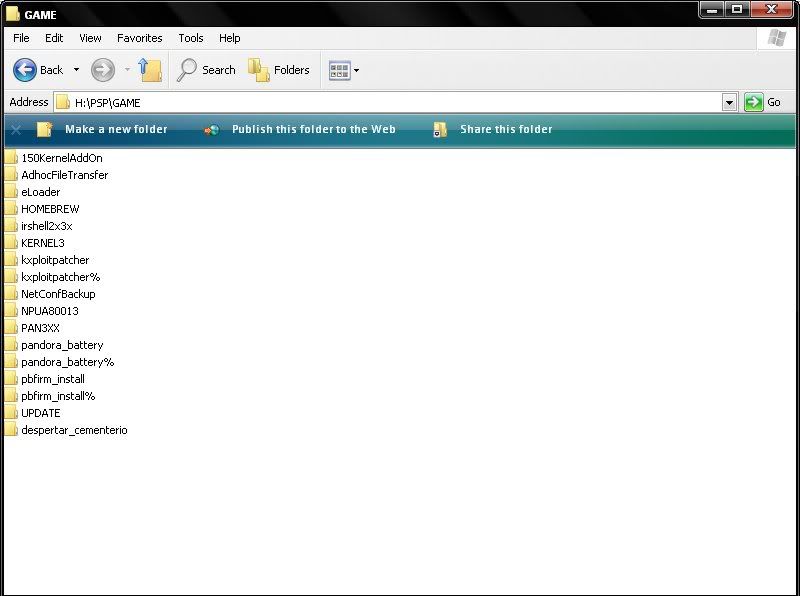
2)Extract Despertar Cementerio, and move the 'DC8' folder to X:/PSP/GAME.
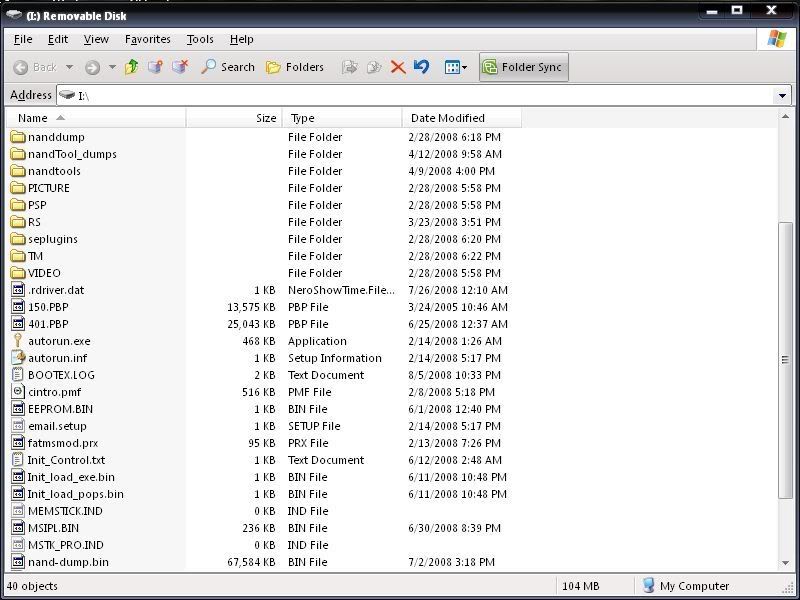
3)Extract the 5.00 update and rename it to '500.PBP'. Place it on the root of your MS.
4)Disable USB Mode. If you use a CTF/PTF, go to Settings > Theme Settings > Theme > Original. Turn it off or the installer wont load for you.
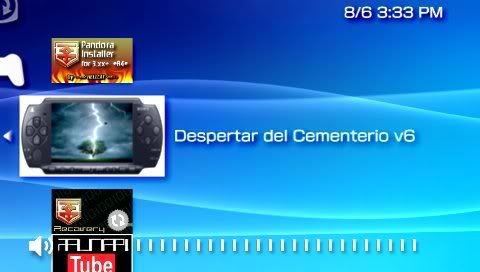
5)Launch Despertar Cementerio from Game > Memory Stick.
6)Once it loads, you will have to press X to begin installation.
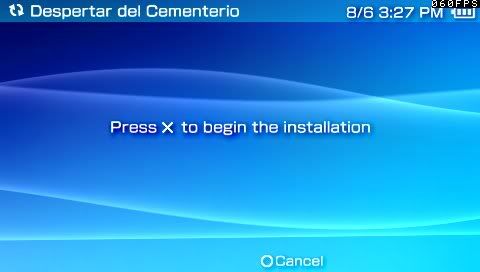
7)Everything shall go fine. You will see a Sony like updater before you but its way more wicked and you have plugins enabled ^_^.
8a) If you are using TimeMachine you will be prompted to press a button at the end of install so you can launch DCv8. Any button that doesn't boot anything else is good. (I use D-pad up). Hold whatever button you want to until the installer reads it and carries on with installation.
8b) If the install stops at 99%, writing the DC ipl loader, you will have to reformat/repartition your stick, and re-do the installation. (Guide is at the end)
9)*SKIP THIS STEP IF YOU HAVE A PANDORA BATTERY* (Go to the guide below if you don't have one and/or need to convert)
Using this
DCv8 upgrades your PSP to 5.00 M33-4 from any previous firmware version. This can also be used an unbricker.. Like mentioned before, this will not work on TA-088v3 Slims, or PSP-3000s. Pandora is blocked completely.
1)To start Despertar Cementerio, insert your Pandora Battery, and Magic Stick. It should auto-boot. (If using DCv6 + TimeMachine, hold the button assigned for Despertar Cementerio)
2)Once the menu boots, you will be greeted with a menu with options:
-Install 5.00 M33 - Installs 5.00 M33-4
Install 5.00 OFW - Installs 5.00 OFW
-NAND operations - Dump/restore NANDS, IDStorage Options (See end of guide)
-Hardware Info - Hardware Info such as motherboard, tachyon, etc.
-Test M33 - Boot into a "live" version of 5.00 M33-4 for whatever
-Shutdown - Self-explanatory
-Reboot Device - A kick to the backside of your PSP
3)After unbricking, if your PSP appears bricked, just wait. It is rebuilding flash1.
***POST INSTALL***
4)If you are a Phat user, download your respective 1.50 kernel addon.
1.50 Kernel Addon for 5.00 M33
and the 1.50 UPDATE This step is optional, but if you want to play 1.50 homebrew, you will need it.


No comments:
Post a Comment